Start here
An adventure made of words
See how a MUD turns room descriptions, typed commands, and other players into a shared fantasy adventure. Watch real Forged Realms gameplay, then try the browser beta.
Watch the guideTHE NEW PLAYER GUIDE
Your first character is a few clicks away.
Already have a saved character? Choose it from the list, or selectNew character to start another.
Prefer to see it first?
Start here
See how a MUD turns room descriptions, typed commands, and other players into a shared fantasy adventure. Watch real Forged Realms gameplay, then try the browser beta.
Watch the guideGetting started
Start playing Forged Realms in your browser: create a character, choose a class, meet Auri, and take your first steps with the live minimap. A short video and readable beginner walkthrough.
Watch the guideExploration
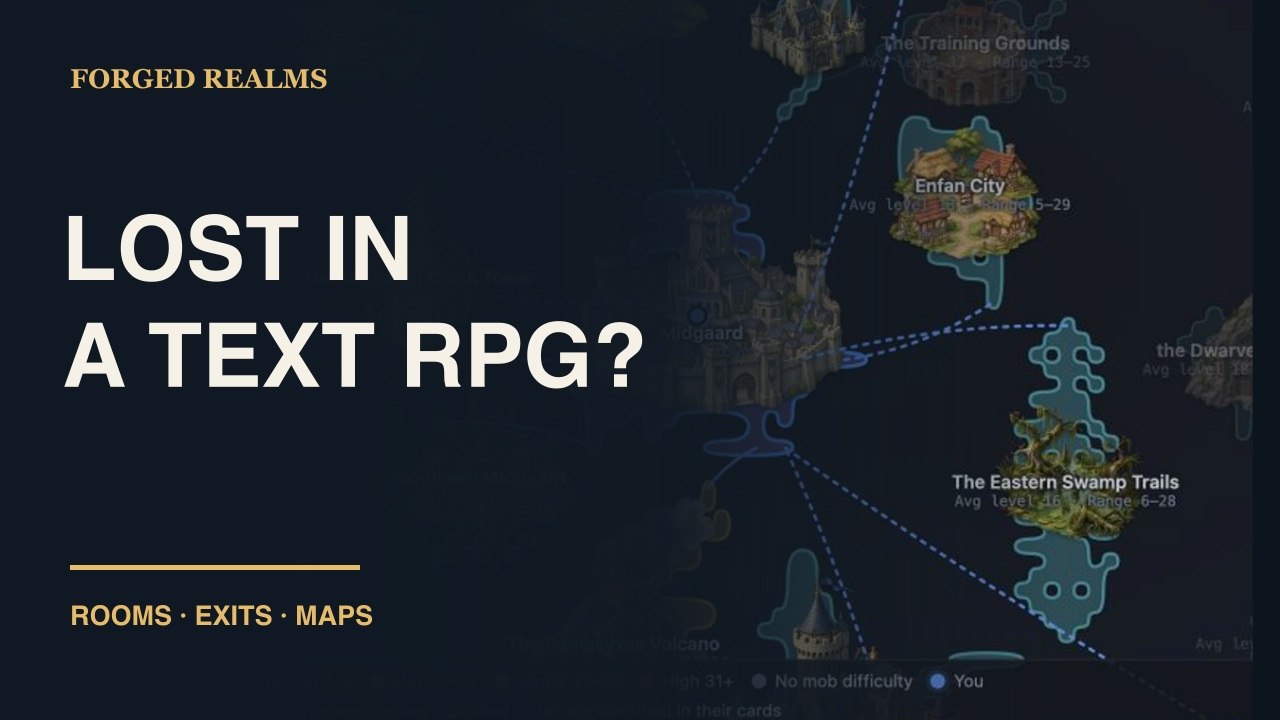
Learn to read room descriptions, follow available exits, and use the minimap, World map, Zone map, and floor controls in Forged Realms. Watch the navigation guide and follow the written steps.
Watch the guide01 / FIND YOUR FEET
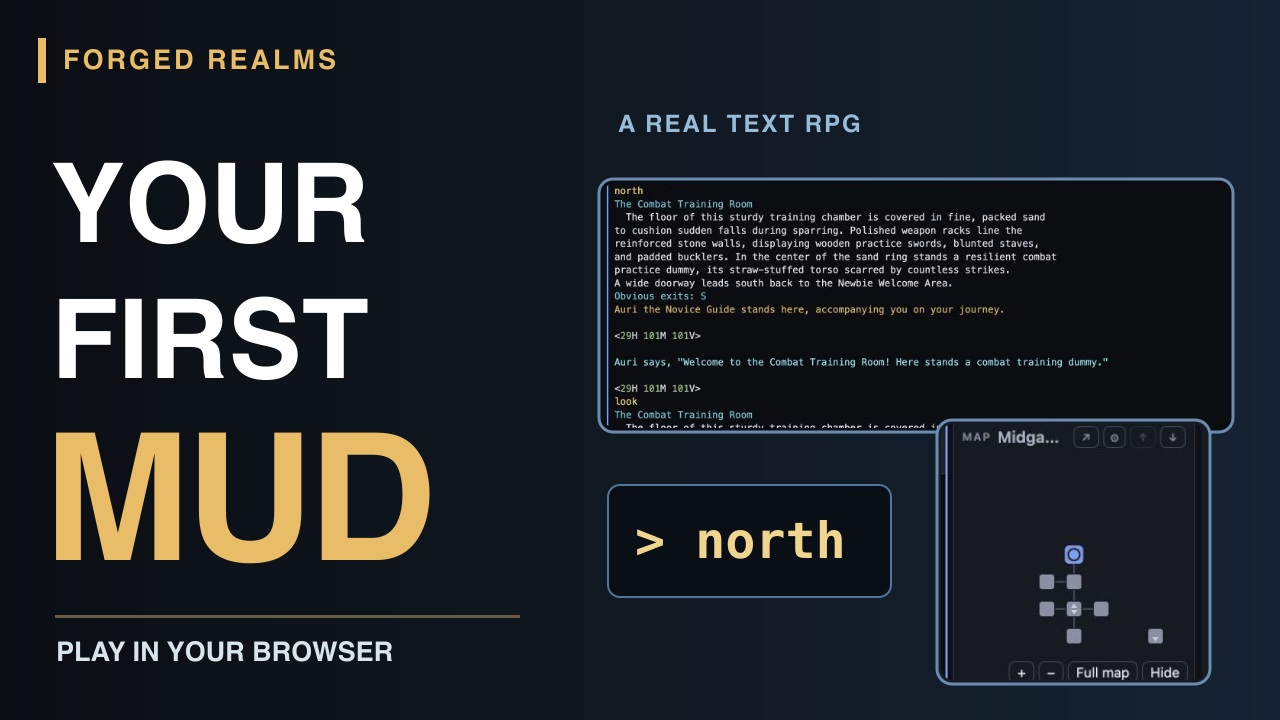
The game describes where you are, what you can see, and what is happening around you. You choose where to go, what to examine, and who to speak to.
lookTake in your surroundings.northFollow an available exit.inventorySee what you’re carrying.helpFind an explanation when you need one.02 / CHOOSE A CALLING
Seven starting classes offer frontline fighting, stealth, magic, healing, and party support. Choose something that sounds fun; the details will make more sense once you have a few adventures behind you.
Monk, Bard, and Druid are advanced remort paths to look toward later in your journey.
Browse the class compendium ↗03 / LEARN AS YOU GO
Auri points new adventurers toward starter areas. The beginner equipment system can help replace missing starter gear through level 8.
Class abilities are learned as they unlock. PRACTICE ALL learns available abilities; it isn’t a practice-percentage grind.
04 / FIND YOUR PARTY
Forged Realms centers on cooperative PvE. Player combat is restricted to The Crucible, the voluntary arena; stealing from other players and harassment are prohibited. Read POLICY PLAYERKILLING in the game before taking part in player combat.
Groupmates share kill experience. Damage, tanking, and healing all contribute to progression.
Start with one character. You may play up to three characters at once, each actively controlled by you. Scripts and triggers are allowed while you are at the keyboard; read POLICY MULTIPLAYINGand POLICY SCRIPTING for the rules.
05 / KEEP AN EYE ON YOUR KIT
The client’s equipment cards help compare a find with what you wear. A higher quality is worth noticing, but the actual roll and class fit matter too.
Keep an upgrade, store a future keeper in the account vault, or APPRAISE unwanted forged gear before salvaging it for Forge Shards.
Understand loot, crafting & reforging ↗06 / CHOOSE YOUR DOORWAY
Maps, party frames, combat meters, inventory comparisons, and a searchable Library help make a text world easier to explore.
Download the beta desktop client for Windows or Apple silicon Mac. The client page includes platform details and an installation note; you can also try the browser client without installing anything.
Get the desktop client ↗Stuck or found something wrong? Type HELP NEWBIEGUIDEfor first steps, or BUG <what happened> to report a problem. Include where you were and what you tried.
MUDLET, zMUD & OTHER MUD CLIENTS
Play in the same world from Mudlet or another MUD client. If you prefer to start without installing anything, play in your browser.
mud.forgedrealms.net4001Enter the host and port in separate fields. Leave certificate verification enabled. This is a MUD connection, not a web address.
mud.forgedrealms.net and Port to 4001. Check Secure.Already connected? Type MUDLETMAP INSTALL to add or update the map, chat tabs and player panels in this profile.
Create a game connection named Forged Realms. If your version supports SSL/TLS, use the secure settings above. Versions without SSL/TLS can use host mud.forgedrealms.net, port 4000, with secure mode off, then connect and follow the game prompts.
Port 4000 is unencrypted: it does not protect passwords or game traffic in transit. For an encrypted connection, use port 4001 in a TLS-capable client, or use our browser or desktop client.
Once in the game, an account lets your characters share a bank and vault. Type ACCOUNT CREATE <account-name> or ACCOUNT JOIN <account-name> and enter the password at the separate hidden prompt. Keep passwords out of aliases, scripts, and chat.