
Mudlet Short · 0:12
Watch the room map follow you in Mudlet
Take a quick look at movement and the atlas in Mudlet, then use the connection guide to try them in your own profile.
In this video
- See the room map follow a move.
- Open the world atlas for the bigger picture.
Try it in Mudlet
Connect to mud.forgedrealms.net on port 4001 with Secure / TLS enabled. Once you are playing, type MUDLETMAP INSTALL for the Forged Realms interface, then FRMAP WORLD to browse the atlas. The full Mudlet video walks through the setup at a slower pace.
Read the video transcript
Head south, and Mudlet follows every step.
Pick an area to see how the world connects.
Already play?
Keep your map and add the panels with MUDLETMAP INSTALL.
Recorded with demo characters in the open beta. Scenes may be edited for explanation; interfaces and ability balance can change.
Your next chapter
All videos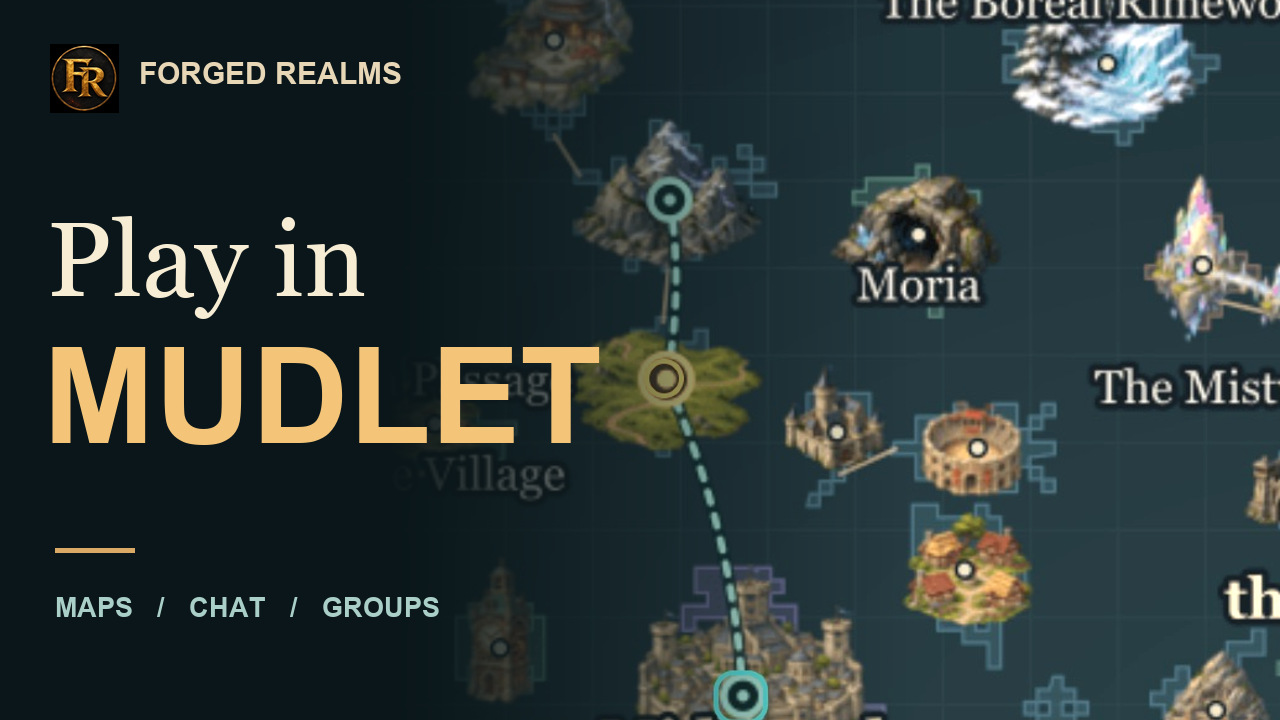
Mudlet setup
Connect and explore with Mudlet
Set up Mudlet for Forged Realms, update an existing profile, and see how the room map, world atlas, chat tabs and party health work in play.
Watch the guide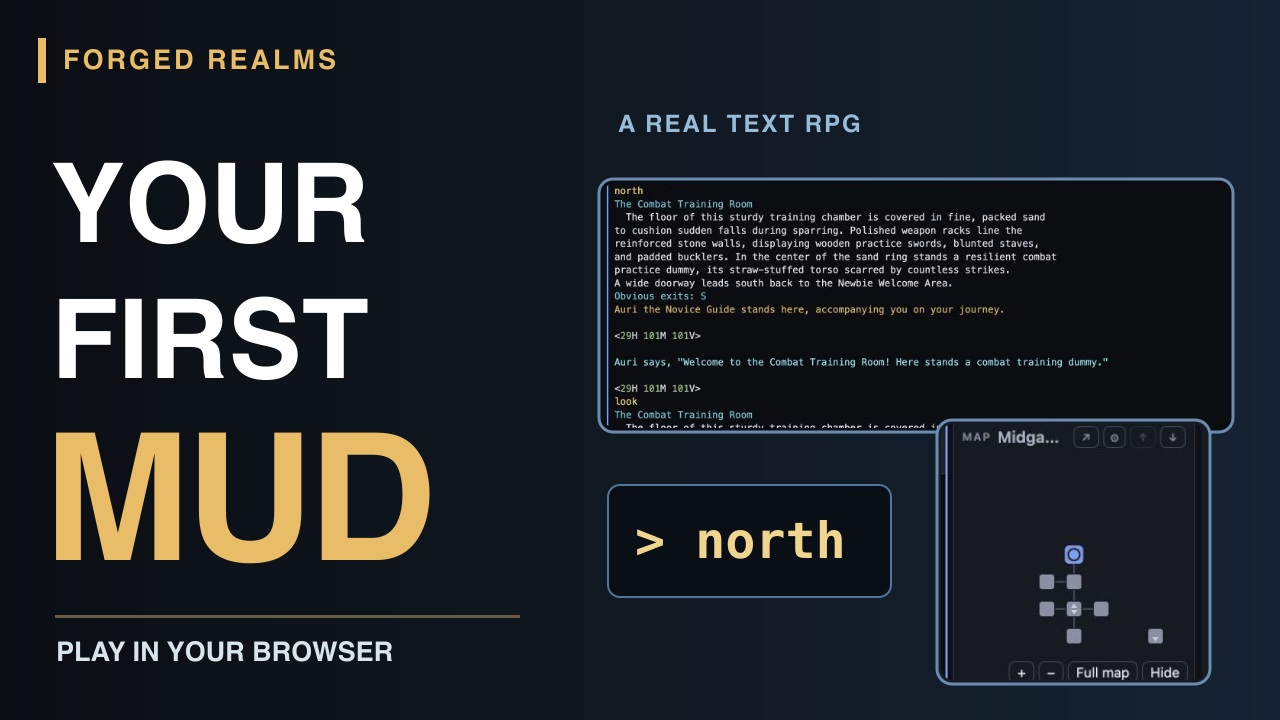
Getting started
Your first character. Your first room.
Start playing Forged Realms in your browser: create a character, choose a class, meet Auri, and take your first steps with the live minimap. A short video and readable beginner walkthrough.
Watch the guide